

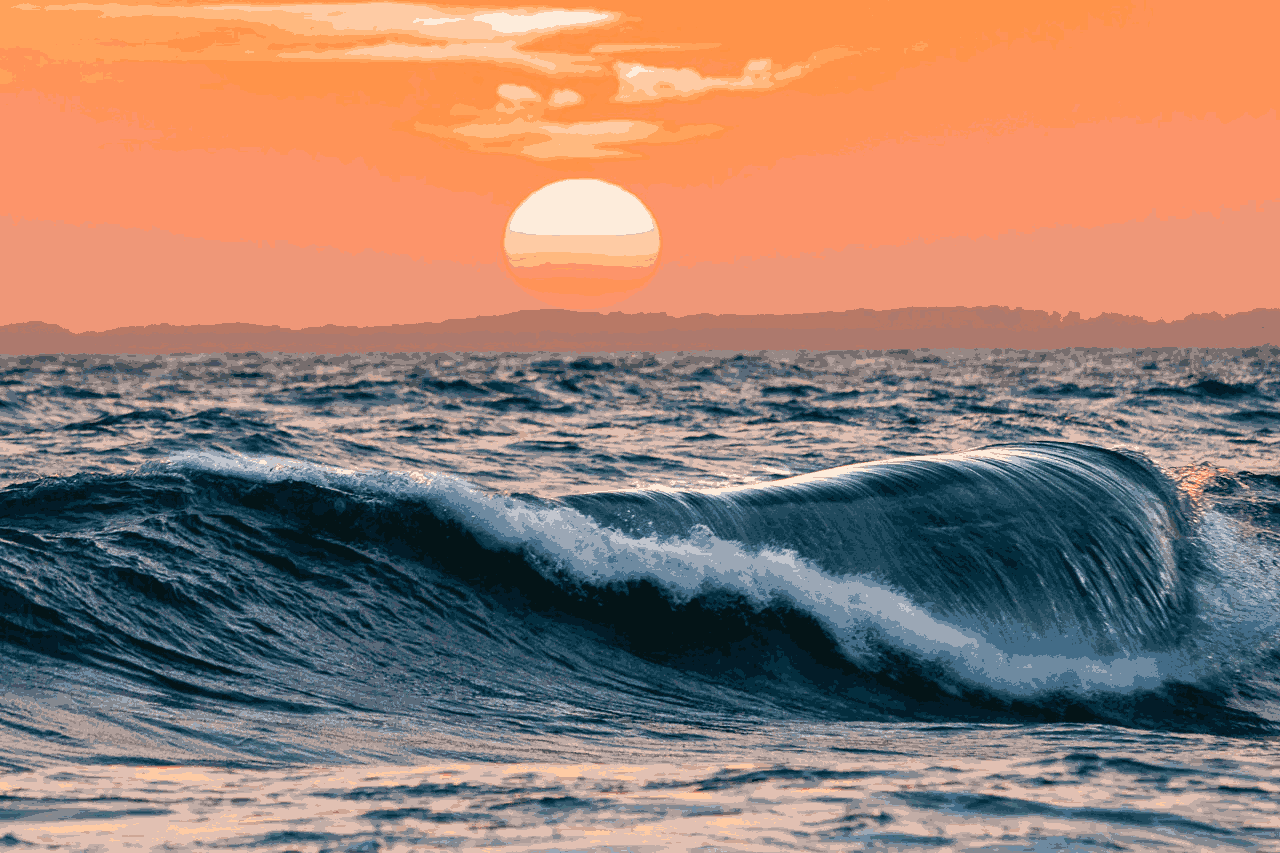

Ever wonder how big an picture is? Well some people might think about its physial size on a screen. Others might think about its resolution, and some tech savy people may think about the actual file size of the picture. Well for the most part all of these contribute to the “size of an image. Though most importantly is the resolution (number of pixels), and the file size (number of bits).
You would assume that a picture of high resolution would be a larger file size than one of a smaller resolution. But in some cases that would be wrong. While there are more pixels and thus more bits, there could only be 16 colors. This can allow the file to read off what the 16 colors are and index them, rather than reading off the RGB values for each pixel.
Many images you see on say Google, are condensed one way or another so they load quickly, but if you want to see the image at its highest quality you can click on it and go to its webpage. It is this reason that most images are condensed by color indexing, color dithering, or other methods so the image can be loaded faster and appear quickly when surfing the web.
Though dose not come without consequence. The images above show the original image (left), a revision with 16 colors (center), and one with 8 colors (right). Each one being “smaller” than the last but with each reduction in the number of colors, parts of the image start to be lost.
Notice: That for 8 colors the blue ocean was more prominent than the orange sky, so the blue was prioritized. Thus removing the orange from the image.